
Best planner app 2026: what Reddit recommends
Reddit users recommend TickTick for tasks and habits, Google Calendar for time-blocking, and Structured for a visual day. The complaints are just as steady: keeping a planner tidy turns into a job, and even AI planners leave you fixing the day by hand.
What Reddit users complain about
- The planner becomes the job. Tidying the system crowds out the work: “the daily ritual becoming a 20-minute chore.” (July 2026)
- Price and trials. Users want to try before paying, but one app “makes you sign up for a paid plan before you can even try it” (March 2025)
- Calendars in pieces. Tasks and calendars that do not sync mean double upkeep. People want one place, “not managing two separate systems” (April 2026)
- Bugs. Sync failures and blank widgets break trust: “the widgets are always spontaneously empty on my phone.” (February 2025)
- AI planning still needs repair. A Sunsama user found that much of the planning remained manual: “you still have to do most of the planning yourself” (June 2025)
What they love
Speed beats feature lists: people stay with the quickest app. They like a day cut down to what fits; Sunsama “keeps you honest about not overplanning” (September 2026). Reminders that stay in sight get warm reviews too.
AI planner apps: where one-by.one is different
Many people already plan in ChatGPT or Claude: an energy check, time estimates, a calendar screenshot, then back for the next step. One ChatGPT user: “My days have been SO much more productive.” (January 2025) Our AI daily planner guide compares the apps that plan for you.
What they still want is an assistant that picks one task and parks the rest. Under a post about a Claude project that shows one task at a time, a commenter wrote: “A ranked list still leaves every task mentally active for me.” (October 2026)
- No planner to tend. Your own AI (ChatGPT, Claude or another assistant with custom connectors) plans the day, fitting habits between events and to-dos and adding travel and prep (setup).
- One calendar. The AI reads your events; with “Hide event names” on, it sees only the times.
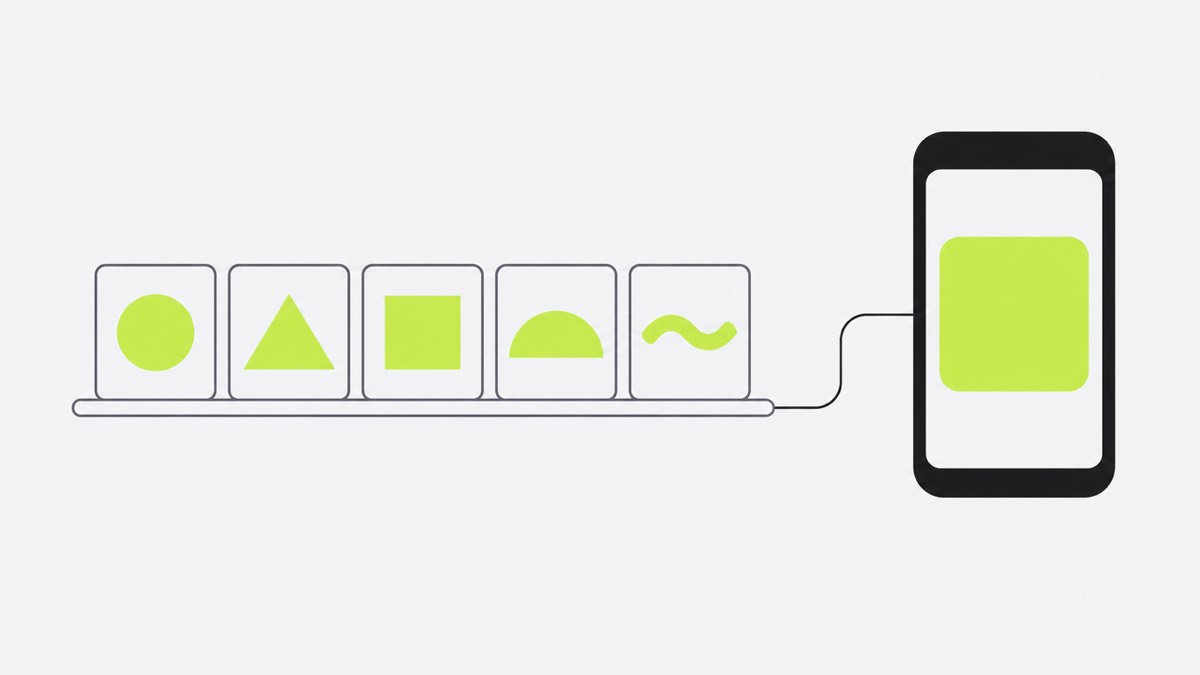
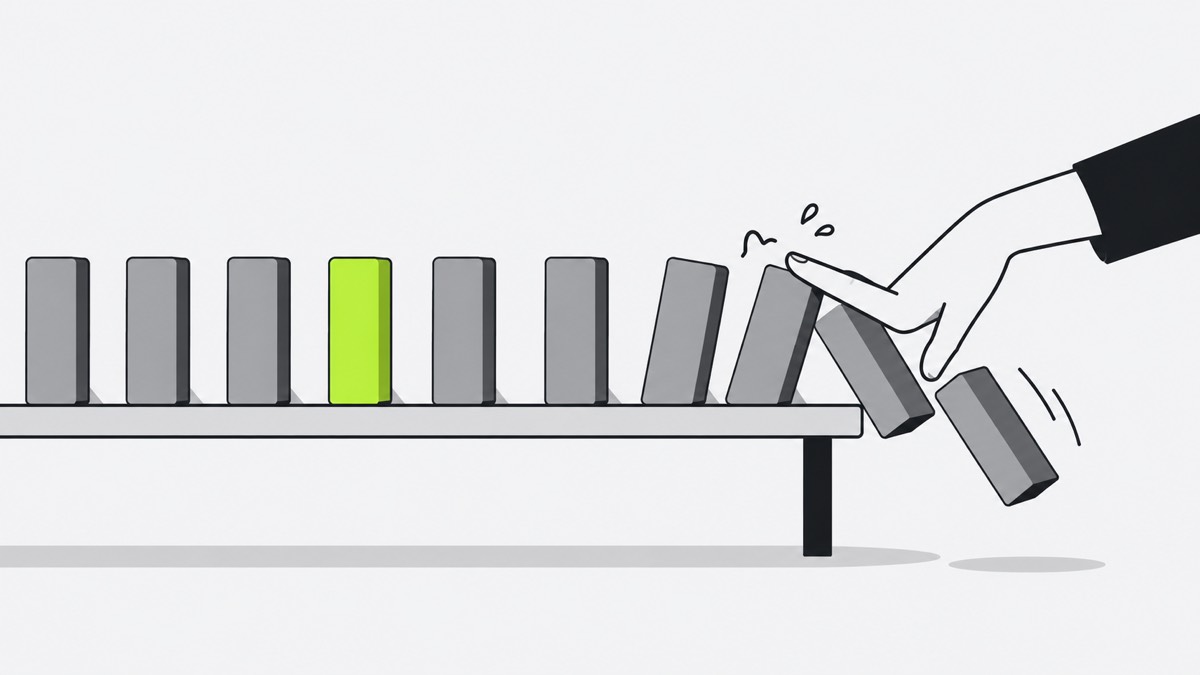
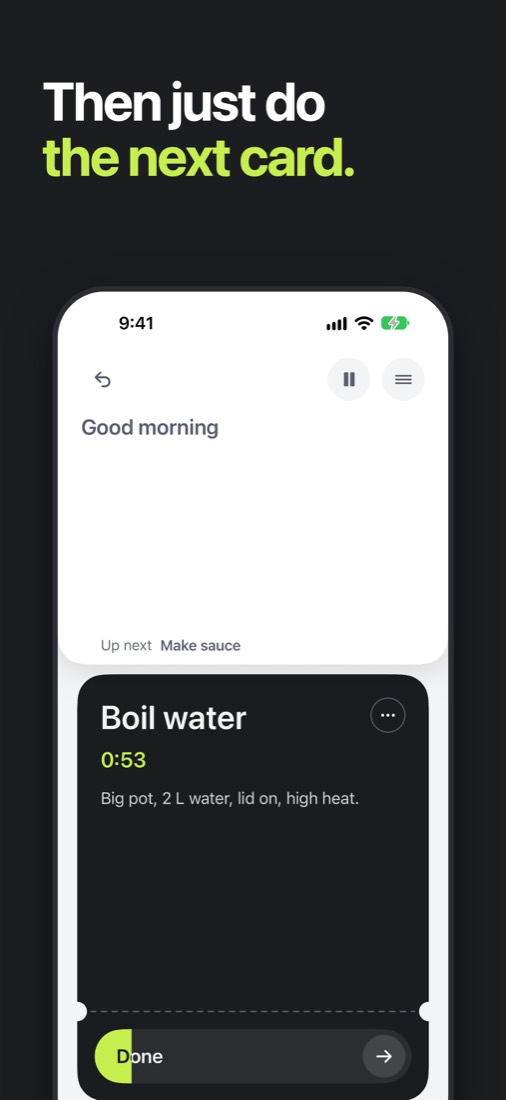
- The next action, not a ranked list. The iPhone app shows one card at a time: Start, Done, Skip, and Undo for a mis-tap. A 45-minute laundry wait keeps counting while you do the next card, then the dryer card comes back.
- When the day slips. Catch-up ticks off recent cards at once; your AI re-plans the rest when you ask.
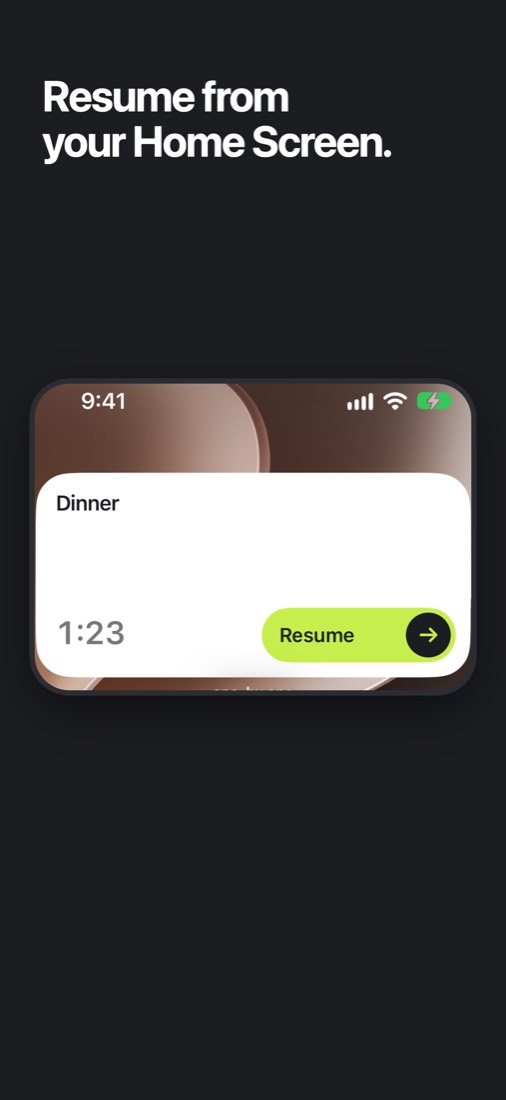
Start or finish the current card from a Home Screen or Lock Screen widget without opening the app; on the Home Screen you can also skip it. The small widget shows in StandBy.
Where one-by.one is not better
- $9.99 a year (7-day free trial for eligible new subscribers).
- You need your own AI assistant.
- iPhone only.
- No visual timeline, week view or team features.
- It is new: it just came out on the App Store.
Planner apps Reddit users recommend
- TickTick if you want tasks, habits and a calendar in one app.
- Google Calendar if you time-block, with Todoist or Things 3 as a clean, fast list beside it.
- Structured if you think in timelines. Outgrown it? See the Structured app alternatives.
- Sunsama if you like a morning planning ritual that trims the backlog to today. Cheaper options are in Sunsama alternatives.
- Reclaim or SkedPal if you want tasks auto-scheduled into your calendar; see our Motion app alternative picks.
- one-by.one if your AI should plan and your phone show only the next step.